Picture a custody case that is six months old. A logbook holds short notes, and a folder holds copies from the latest hearing. Then a letter arrives with a new court date. A discovery request shows up in the mail. Someone mentions a pretrial statement.
Episode 3 of The Steadycase Podcast closes a short series. Episode 1 built a capture habit, a short logbook note. Episode 2 pulled a thin working packet of copies for one hearing date. This episode covers the place that holds everything else for the life of the case. For custody cases, Steadycase built the Custody Trial Notebook for that purpose, and most of the episode walks through the notebook. This page follows the episode, with one fictional parent’s example and three questions from the episode, plus a few more.
The short answer: one place for the whole case
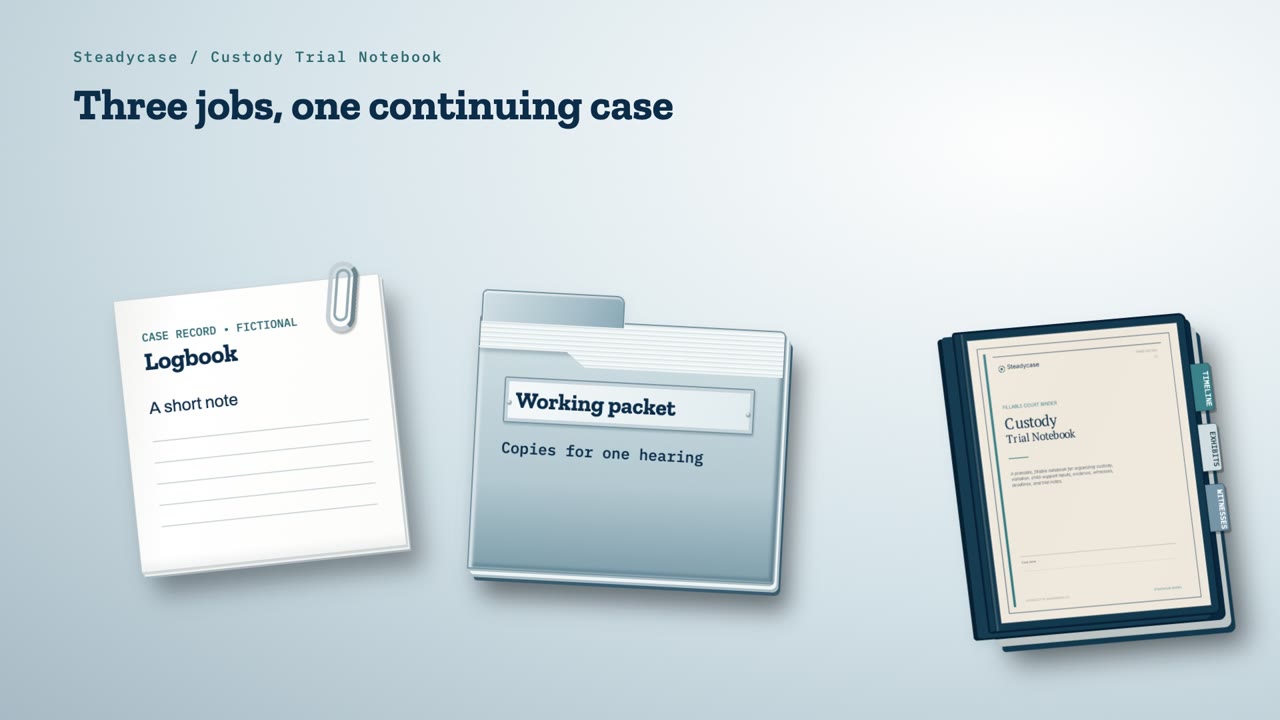
Each of the three tools in this series has its own purpose.
- The logbook. A short note captures what happened and where each record is saved.
- The working packet. Labeled copies serve one hearing date.
- The trial notebook. One organized place holds the whole case for months.
The log and the packet each do their part. The notebook keeps the whole case findable from one court date to the next.
What is a trial notebook?
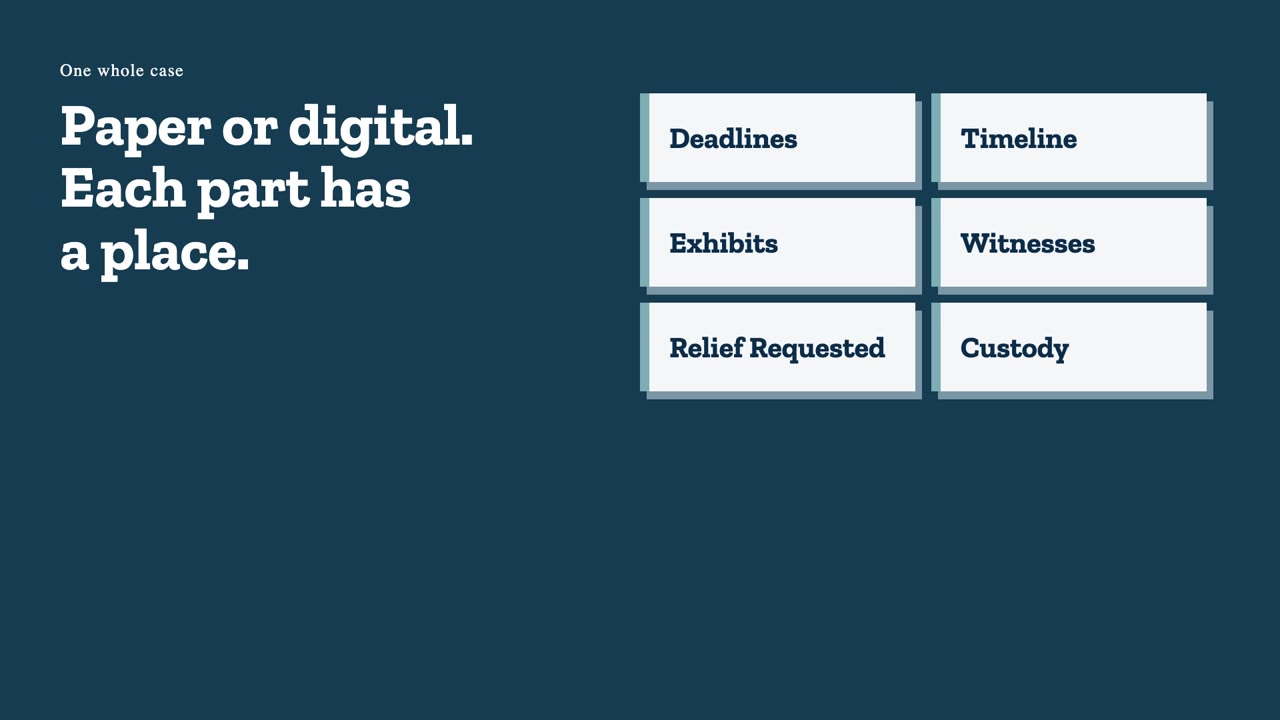
Attorneys who try cases often keep a trial notebook. It is an organized binder, on paper or on a computer, that holds a whole case in one place. Deadlines, the timeline, exhibits, witnesses and each side’s requests to the court get their own sections.
Nobody hands a self-represented parent one.
The Custody Trial Notebook is that structure, rebuilt for a parent with no legal training.
What comes with the Custody Trial Notebook
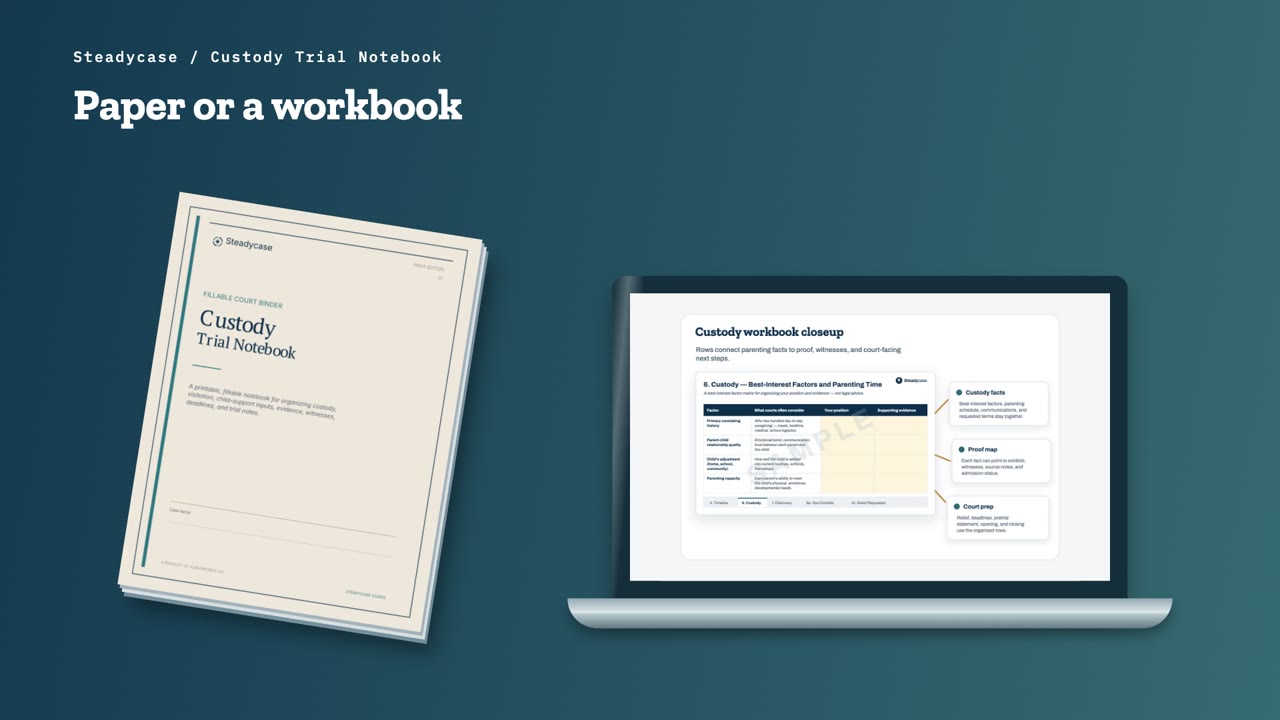
The notebook is a workbook that opens in Excel or Google Sheets. It comes with a user manual and a getting-started guide. A Print Edition, a fillable PDF binder, is available for people who prefer paper.
It is built for contested cases involving minor children, including custody, visitation and child support. Steadycase has separate notebooks for divorce and property division.
For child support, the notebook gathers the figures for your state’s official calculator and gives you a place to record the result.
Where to begin, depending on the stage of your case
Before you type anything, make a copy of the file and keep the original as a clean backup.
Then open the State Rules tab. It holds your own state’s official sources, such as court rules, forms, fees, the child-support calculator and your state’s custody factors. You do not need every answer on day one. If you own Steadycase Compass for your state, Compass links to those official sources.
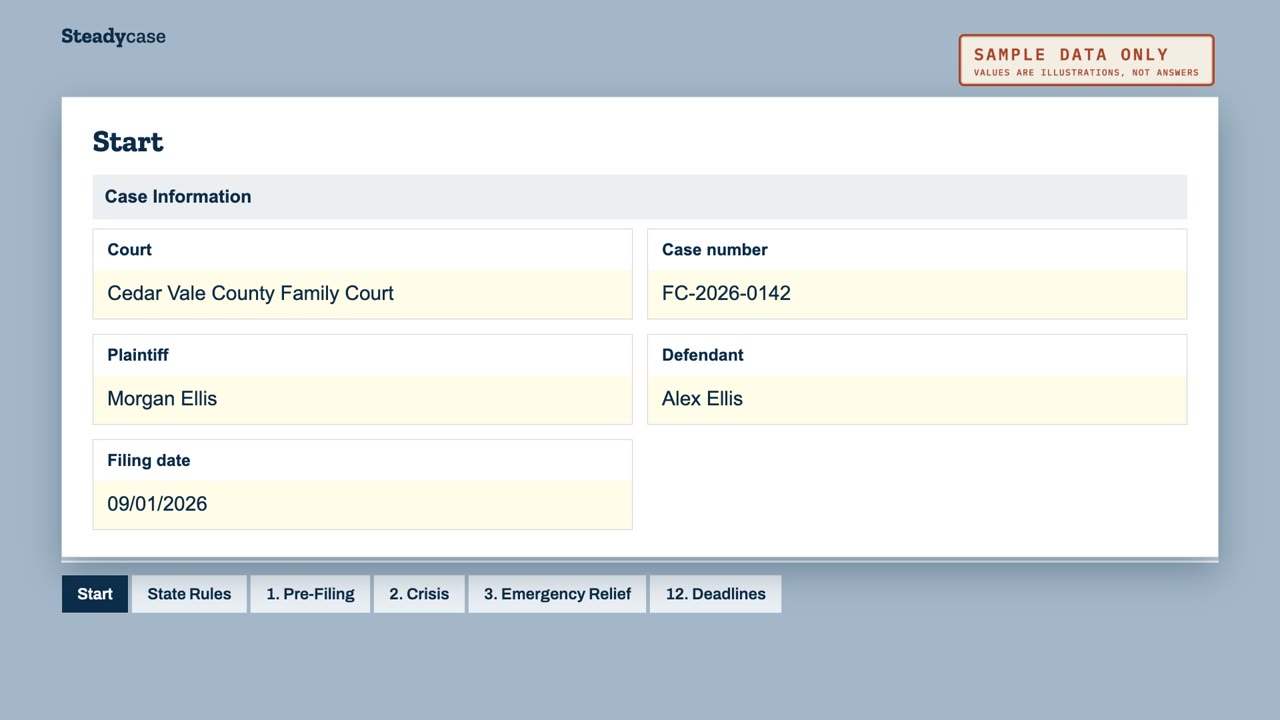
The Start tab helps you find the section that fits your situation. If you were just served, open the Crisis tab. If you are getting ready to file, open Pre-Filing. If you need the court’s help right away, open Emergency Relief.
The Deadlines tab holds every known deadline, with the date that started the clock and the number of days. Confirm every deadline with the clerk or your court’s current rules.
If all of that feels like too much, fill in the case information at the top of the Start tab and stop there for the day.
Put events and documents in date order
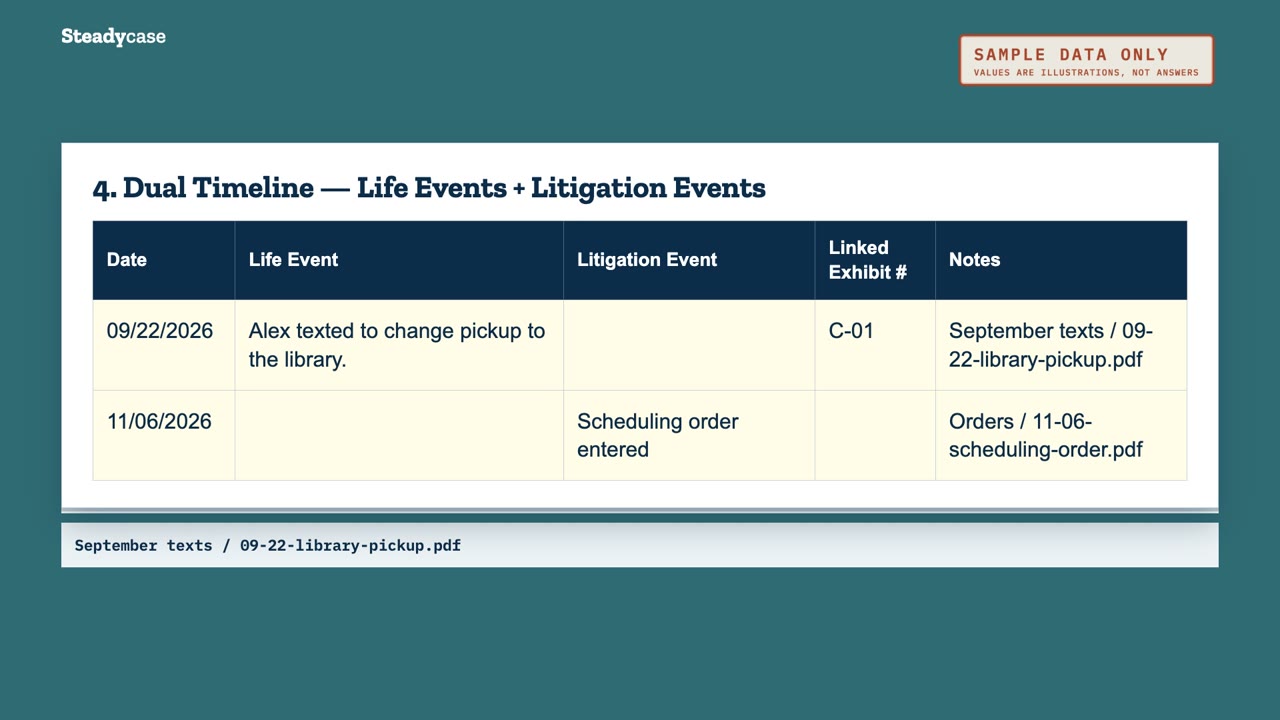
Suppose the parenting schedule changes. You have a date to record, and perhaps a message about the change. Later, you receive a court order.
The Timeline tab puts those events in date order. Family events go in one column. Filings, hearings and orders go in the other. You can add an exhibit number beside each event. That gives you a connection between the date and the document.
The Custody tab and the factors courts often consider
The Custody tab gives you more room for the parenting side of the case. It holds a daily parenting-time log. It also compares the current schedule with each parent’s requested schedule. A parenting-plan builder gives you space to organize a proposed plan.
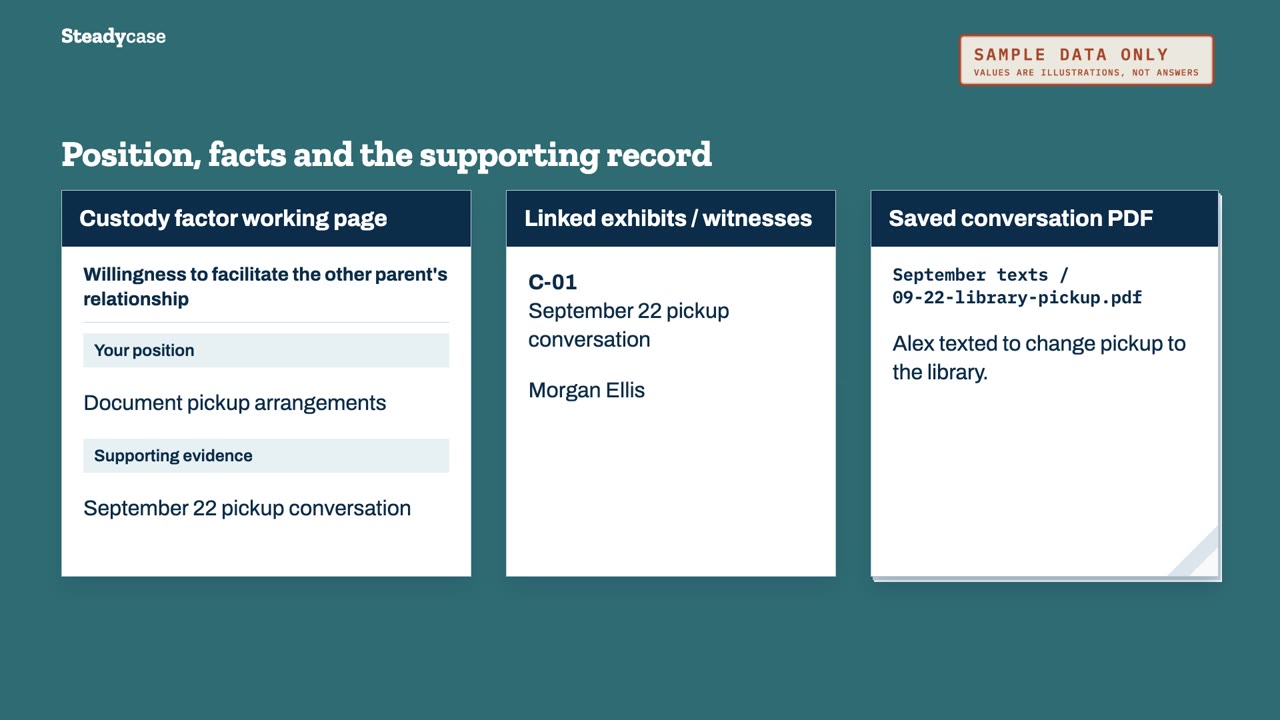
The same tab lists factors courts often consider, such as caretaking history and stability. Another is each parent’s support for the child’s relationship with the other parent. Your state’s list may differ, and the tab notes that difference.
For each factor, you can record your position and the supporting facts. Then you can link the related exhibits and witnesses. The point is to keep those connections clear.
Which factors apply in your case, and how a court weighs them, depend on your state’s law. Your state’s official sources or an attorney licensed in your state can explain what applies to your case.
Child support, discovery, exhibits and witnesses
Child support has its own section. The Child Support Inputs tab collects income, overnights, child care and health insurance figures. That puts the figures together for your state’s official calculator.
As the case continues, you may receive requests for information. The Discovery tab tracks each request, with the service date, the response deadline and the date you received a response.
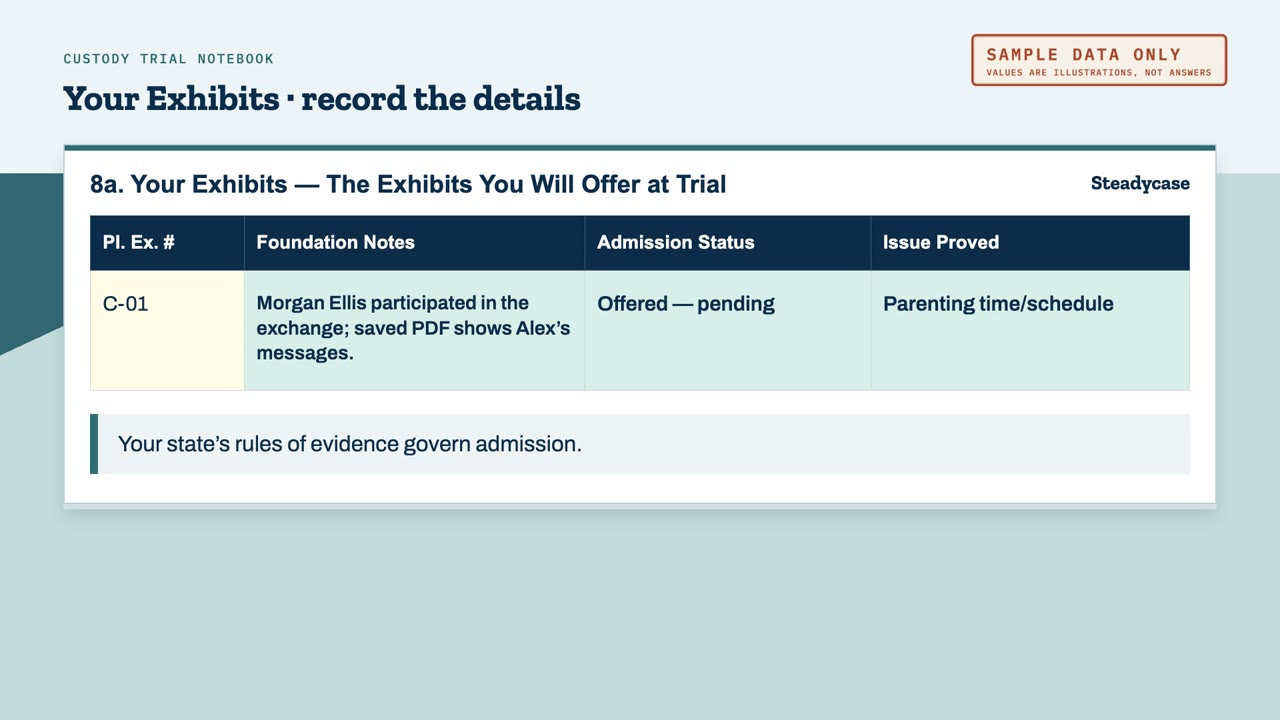
By then, you may have quite a few documents. The exhibit tabs give you separate lists for your exhibits and the other side’s exhibits. Each entry has a number, a description and a source, with space for foundation notes. You can also record the admission status and the issue connected to that exhibit.
Your state’s rules of evidence govern admission. The notebook gives you a place to record the status.
The witness tabs do something similar for the people connected to the case. There is a witness list and an outline for your own planned testimony. There is also a quick-reference card on objections.
What are you asking the court to order?
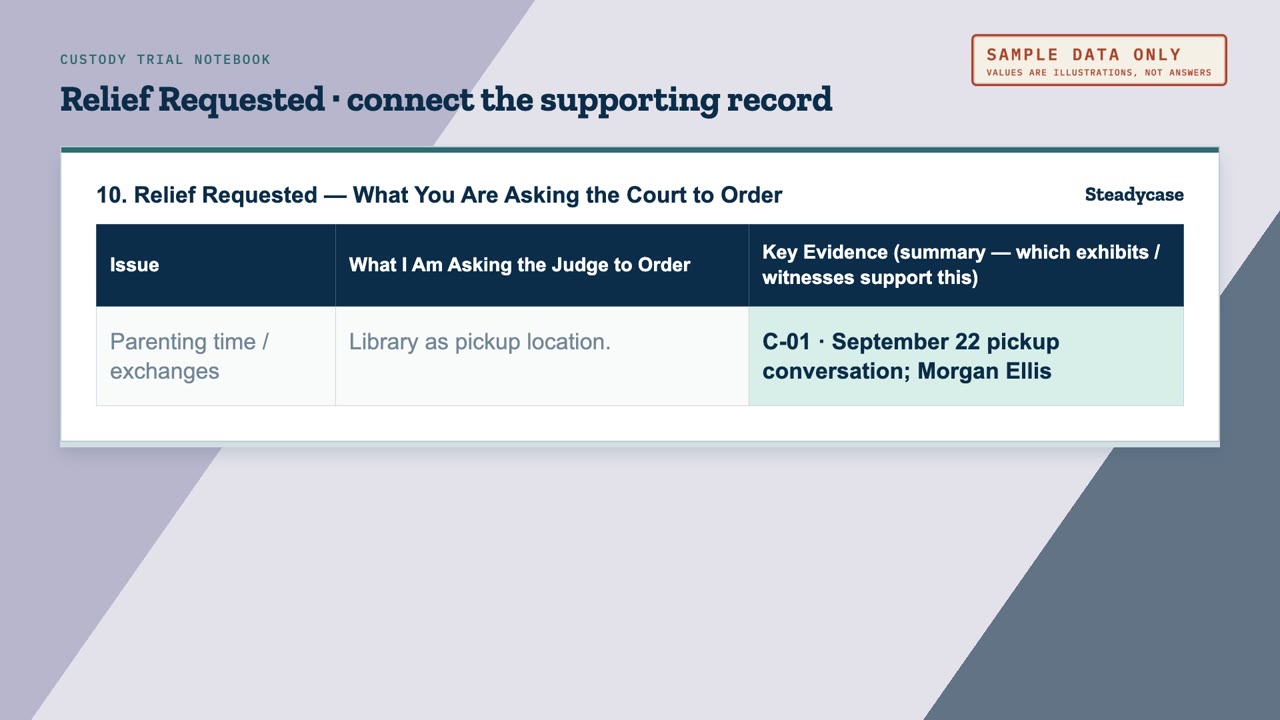
The Relief Requested tab starts with that plain question. Each issue gets its own row. You write your request there, then link the exhibits and witnesses that support it. The request and its supporting material stay together.
The tab gives your request a place. What to request in your own case is a question for an attorney licensed in your state.
The pretrial statement and the opening and closing outlines
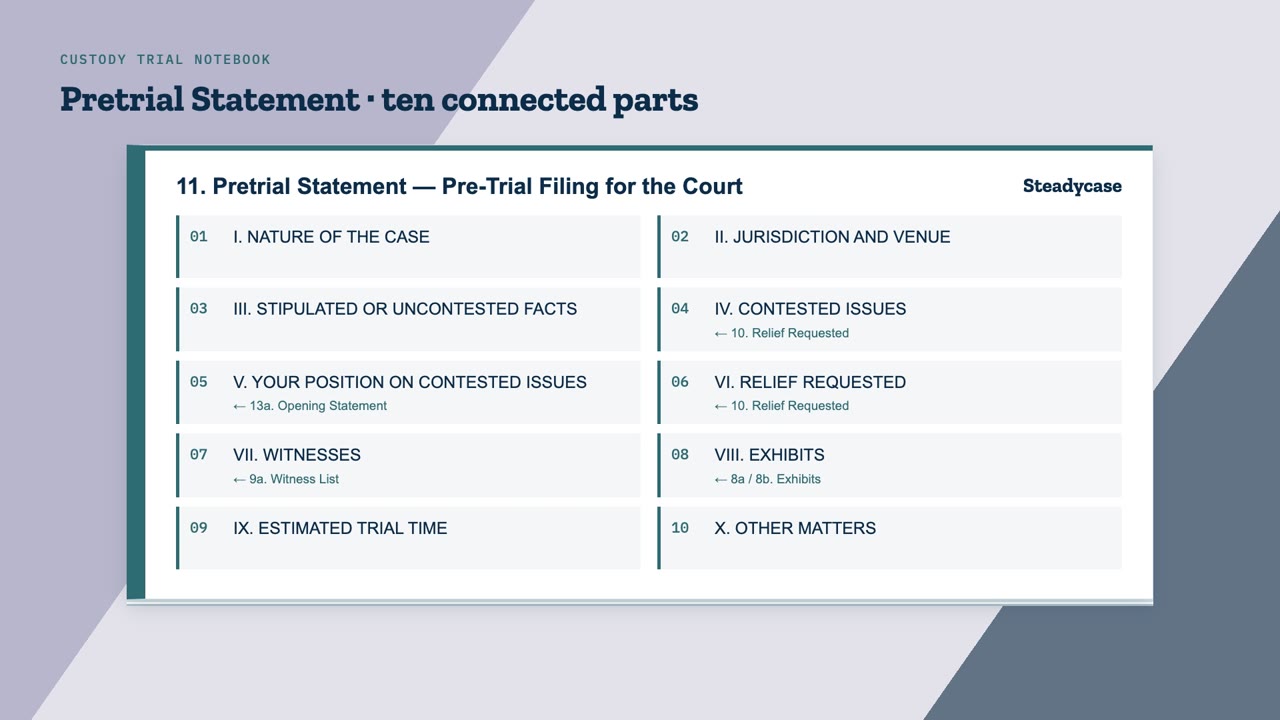
You may also need a pretrial statement. In many courts, that is a document filed before trial that gives the judge an overview of the case. The notebook arranges that statement in ten parts, and much of the information is already in your notebook.
The disputed issues are already in Relief Requested. The witness list and the exhibit lists have their own tabs. The pretrial outline points back to those sections. It also gives you room to separate agreed facts from disputed issues. The outline covers basic case information, including jurisdiction and venue, and gives you a place to estimate trial time. Your court sets the required format.
The notebook also has separate outlines for your opening statement and closing argument. Think of the opening statement as a preview for the judge. The closing argument comes after the evidence, as a review of the evidence at trial. Each outline starts with a one-sentence theme and finishes with your requested relief and a closing sentence. You can note the exhibits and witnesses behind each point.
Before printing, the Checks tab runs eight checks across the file. Each result reads OK or REVIEW, and a REVIEW result shows the column that needs attention.
One fictional parent, start to finish
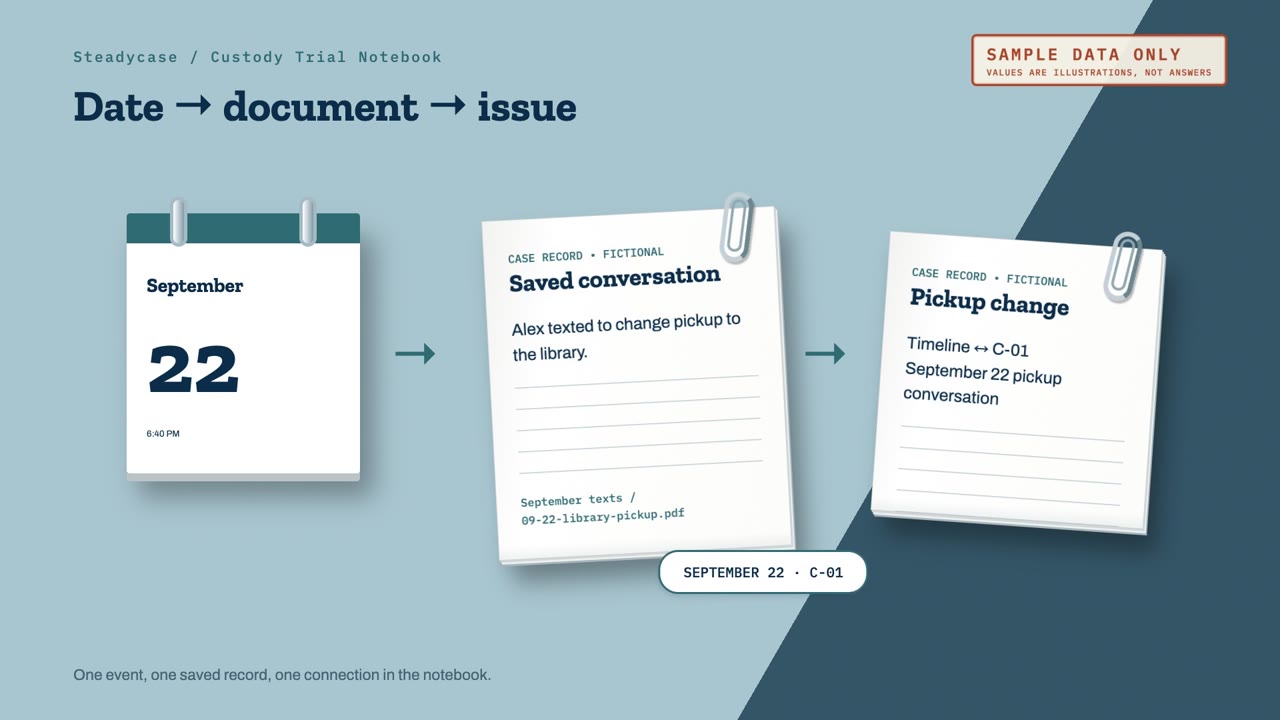
Here is the made-up parent from the first two episodes. On September 22, Alex texted to move pickup to the library parking lot. The parent made a logbook note, saved the conversation as a PDF, and kept the file in the September texts folder.
Now the parent sets up the Custody Trial Notebook. The date becomes a Timeline entry. The parent also notes the scheduling change in the parenting-time log. The PDF gets a number and a short description on the exhibit list, and its source points back to the September texts folder. The parent links that exhibit to the related custody factor. That one event now has a date, a record, and a connection to an issue in the case.
For the child-support hearing in episode 2, the parent gathered paystubs, daycare invoices and medical bills for the working packet. The parent lists those records as child-support exhibits in the notebook, and the income figures go in Child Support Inputs. After the hearing, the parent adds the new order to the timeline. Any exhibit that received a ruling gets an updated status.
Later, in November, a scheduling order sets a trial date and other deadlines. The parent records each deadline, then confirms the date with the clerk.
By the time trial approaches, the parent has a current timeline and labeled exhibits, with the requests to the court recorded beside the supporting material. Each hearing has its own working packet. The notebook stays current from one court date to the next.
That is organization practice. Which records relate to which issue in your case is a question for your court’s rules or an attorney licensed in your state.
One manageable step for today
If you have the notebook, make a copy of the file and keep the original as a clean backup. Then fill in the case information at the top of the Start tab. That is enough for one day.
If you want to see the notebook before you buy it, eight short videos walk through it one section at a time: getsteadycase.com/watch-custody.