Podcast › Episode 1

How to Document Co-Parenting Issues Without Making It a Second Job

Episode 1: Document Everything Without Making It a Second Job

By David Martino, attorney licensed in Maryland10:49October 8, 2026

Legal information and organization, not legal advice. Reading this page does not create an attorney-client relationship. Court rules vary by state and court.

The question

How can I document important events without turning it into a second full-time job?

Audio only
Also in your podcast appApple PodcastsSpotifyYouTubeRSS feed

Picture a Tuesday night. Your phone holds screenshots. Your inbox holds emails. A notes app holds half-finished lines, and a photo of a receipt sits in some unknown folder.

Parents in custody and divorce cases hear “document everything” all the time. Few people explain what that looks like on a busy weeknight. This page walks through one manageable habit from episode 1 of The Steadycase Podcast: a short factual log, the full conversation behind each note, and a simple split between an archive and a working packet.

The short answer: three small steps

Treat documenting as three small steps instead of a project.

  1. Step 1CaptureWrite a short factual note for each event.
  2. Step 2PreserveKeep the original record around it, such as the full conversation.
  3. Step 3Find it againPut a specific saved location in the note.

The note stays short because the details stay in the original record.

What to write in a custody log entry: five fields

A log entry is a pointer to the record, not a speech. The free Document Everything Method guide uses five fields:

  1. Date
  2. Time
  3. Who is involved
  4. What happened
  5. Where the file is saved

The fifth field turns the log into a map. “On my phone” is not a location. A folder name and a file name, or a binder pocket, gives a real location.

Keep the “what happened” line factual. Write down what you saw or received, not what you think it means. When the time is unknown, leave the time field blank. A blank beats a guess.

A worked example

Here is an invented example from the episode. On September 22 at 6:40 PM, a parent gets a text from Alex, the other parent, moving pickup to the library parking lot. The date and time have their own fields, so the note can be brief: “Alex texted to change pickup to the library.”

The parent saves the whole conversation as a PDF in a folder called “September texts,” with a file name that starts with the date. The log entry points to that folder and file.

Months later, the parent remembers the library but not the date. A quick scan of the log turns up the note. The note supplies the date and the location of the PDF, and the PDF holds the messages around the change.
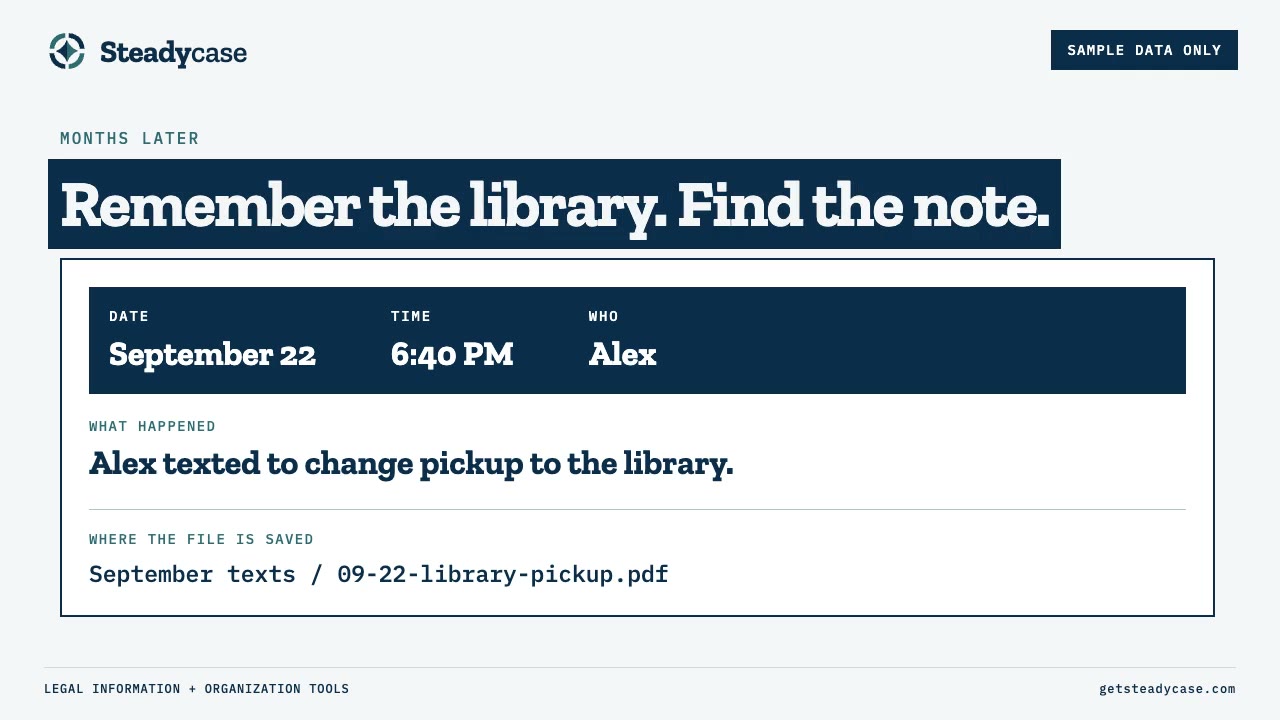
Sample log entry marked Sample data only: September 22, 6:40 PM, Alex. What happened: Alex texted to change pickup to the library. Where the file is saved: September texts, 09-22-library-pickup.pdf.
Sample data only. The invented entry from the episode.

Why a screenshot alone is not enough

A single cropped bubble is a reminder, not the record. One screenshot can lose the messages around it, along with the sender, the date, or an attachment. Months later, a lone bubble can be hard to place in time.

Keeping the full conversation keeps the context. Some tools and services can export text messages as a PDF, which gives you a separate document to save with your records. Open the PDF and check that the messages read in order, with the sender and time on each one.

Saving a conversation as a PDF does not mean a court will accept it. For that question, check your court’s official guidance or talk with an attorney licensed in your state.
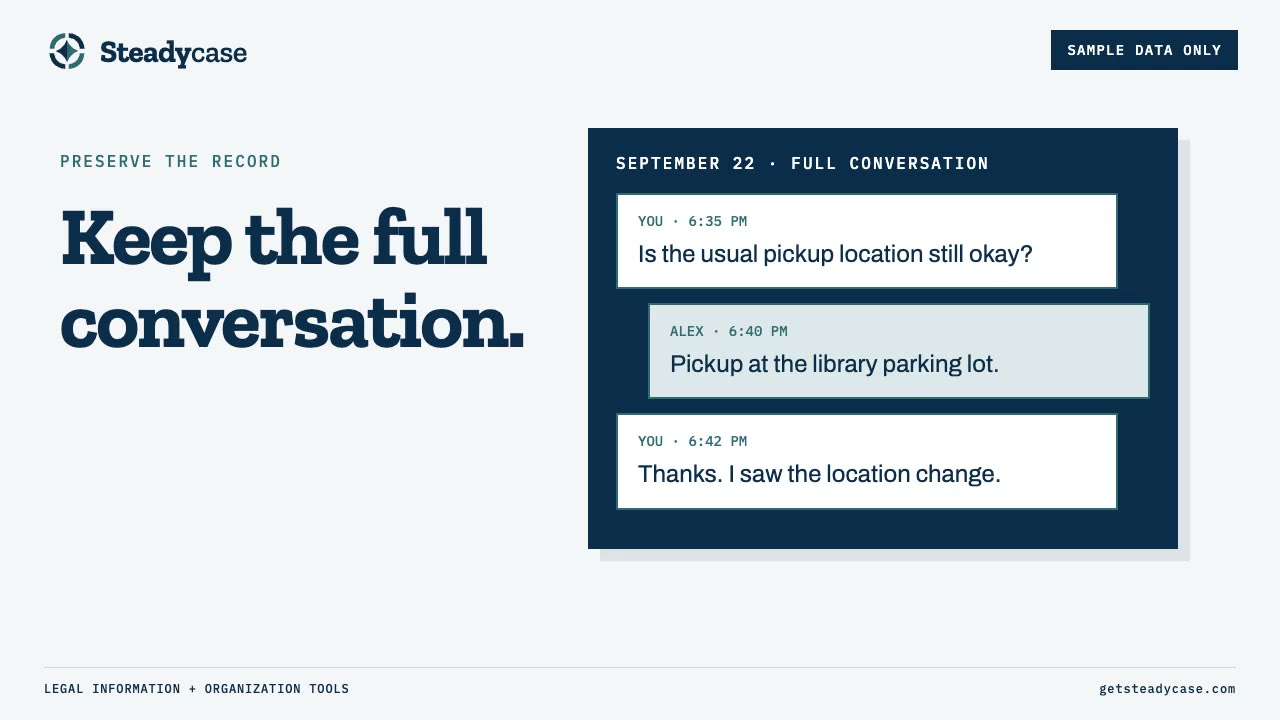
Sample text thread marked Sample data only, three messages in order with sender and time: Is the usual pickup location still okay? Pickup at the library parking lot. Thanks, I saw the location change.
Sample data only. A full conversation keeps the messages around the one you need.

The archive and the working packet

The archive is the larger collection: saved conversations, emails, bank statements, school documents, photos, and the log itself. A record stays in the archive even when the next court date calls for something else.

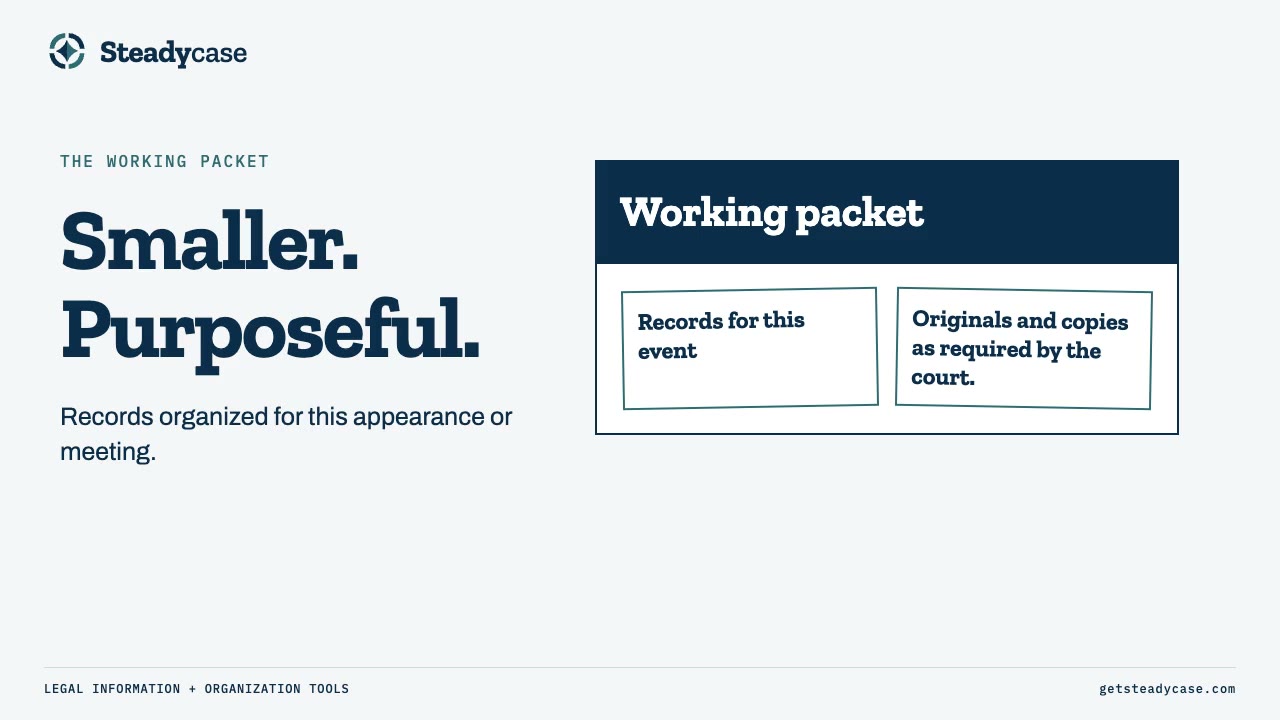
The working packet is smaller. It gathers copies of the records for one court appearance or one meeting, such as mediation. The packet can change from one event to the next.

Copies help with organizing, but a court may require originals or a particular format for exhibits. Those requirements come from the court’s current instructions and any orders for the hearing. Keeping an archive does not mean leaving required originals at home. If an original leaves the archive, a backup copy and a note of its location help preserve the record.
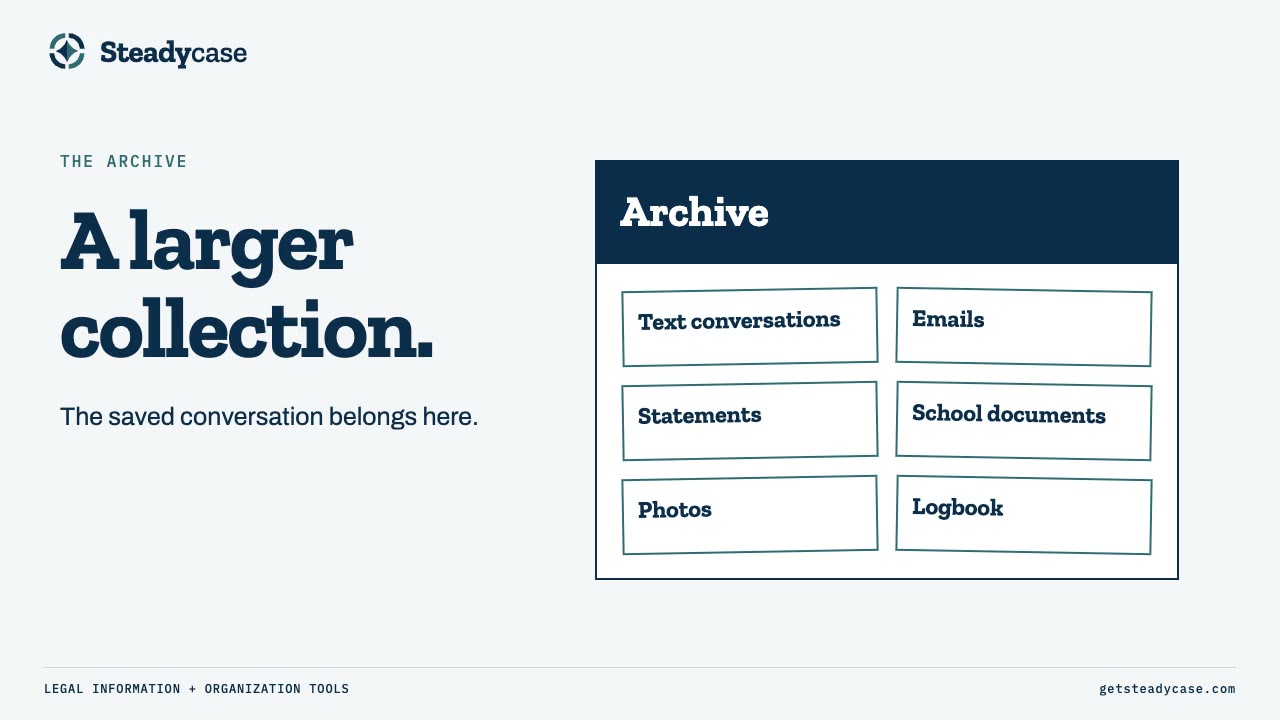
Slide titled A larger collection, showing an archive box with text conversations, emails, statements, school documents, photos, and the logbook.
The archive holds everything collected over time.
Slide titled Smaller, purposeful, showing a working packet with records for this event and originals and copies as required by the court.
The working packet gathers records for one appearance or meeting.

Already behind? Start with this week

There is no need to rebuild the whole history in one weekend. Start with the most recent week. Make a folder for those records, and write a short entry for each message or event you can identify clearly.

When a record has no date but you remember roughly when it happened, give a range and mark it approximate. If you truly do not know, mark the date unknown.

If a court date or meeting is coming up, organize the records for that event first.
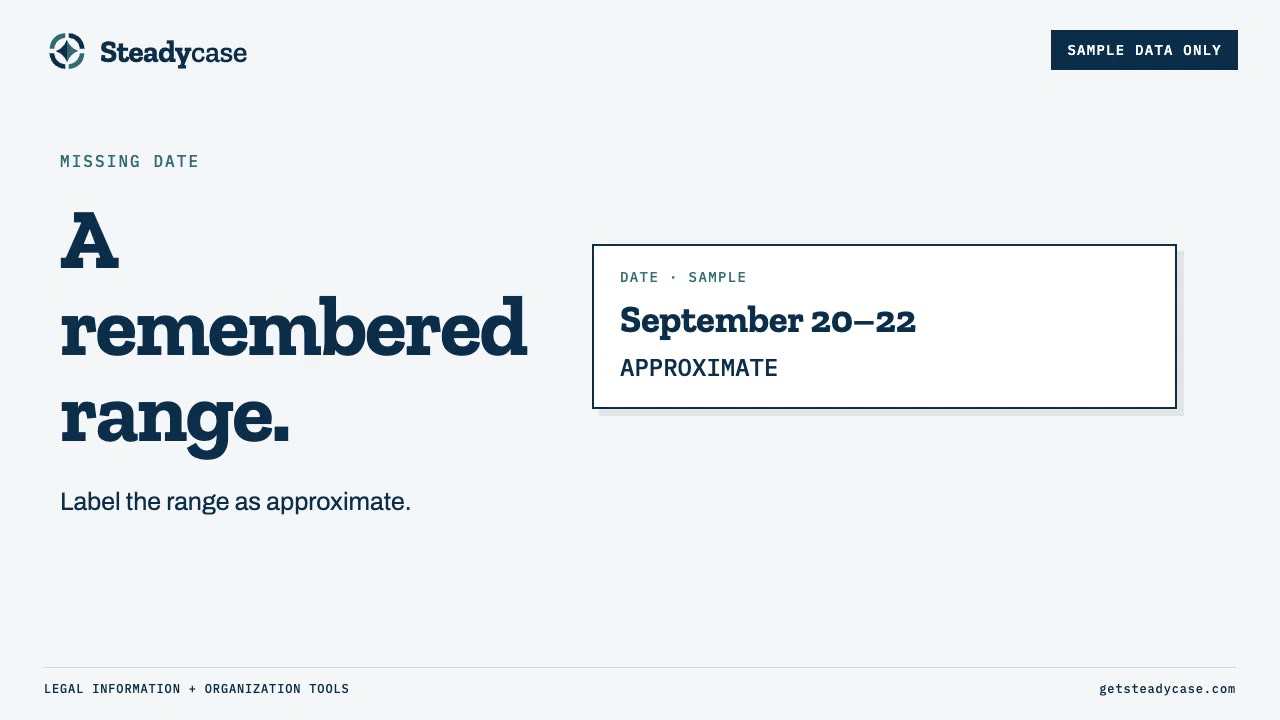
Slide titled A remembered range, with a sample date card reading September 20 to 22, approximate, marked Sample data only.
Sample data only. An approximate date range, labeled as approximate.

What to log in a quiet week

A brief note is enough. When nothing new came in, a line such as “No new messages” records the quiet week without inventing an event. Empty weeks are information too.

The note records what you observed. It does not establish a legal conclusion about the other parent or the case.
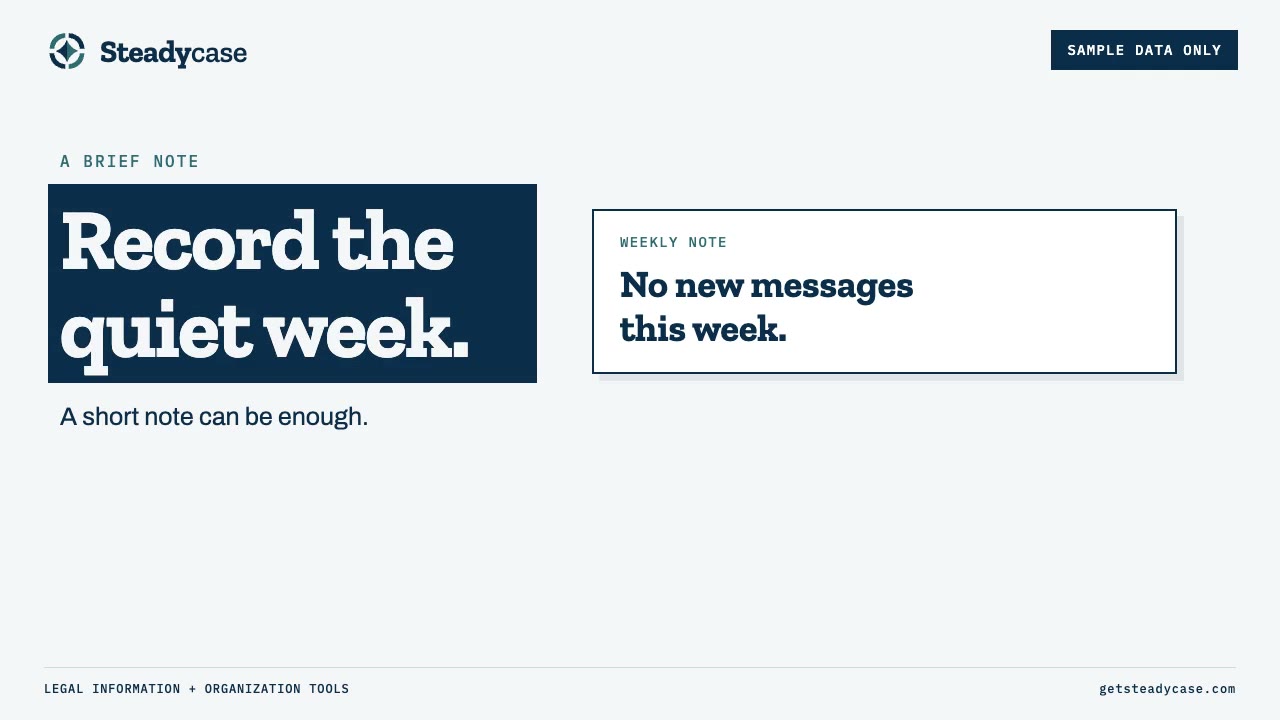
Slide titled Record the quiet week, with a sample weekly note reading No new messages this week, marked Sample data only.
Sample data only. A one-line note for a week with nothing new.

One manageable step for today

Pick one recent message or event. Write a short note with the date, the time, who was involved, what happened, and where you saved the original. Save any screenshots to your archive folder the same day when possible.

The free Document Everything Method guide has the five-field log, a daily capture sheet, and pages you can print: getsteadycase.com/document-everything.

One place for the whole case

The Custody Trial Notebook gives dates, records, communications, witnesses and exhibits one structured place, and the documenting habit from this episode feeds into it. $69 for the spreadsheet edition (Excel or Google Sheets) or $49 for the fillable Print Edition. One time, either way.

See the Custody Trial Notebook

Going through a divorce? See the Divorce Trial Notebook

Common questions

What should I write in a custody log entry?

Five short fields: the date, the time, who is involved, what happened, and where the file is saved. Keep “what happened” to the facts and let the original record carry the details.

How often should I write in the log?

Write the note close to the event, the same day when possible. In a week with nothing new, a one-line note such as “No new messages” is enough.

Do I need a log entry for every single message?

The method keeps the log short. Each note points to a saved original, and the full conversation stays in the archive, so the log does not need to copy every message.

Is a screenshot enough, or should I save the whole conversation?

For organizing, the whole conversation keeps the context a single screenshot can lose: the surrounding messages, the sender, the date, and any attachments. Whether a court accepts any record is a separate question. For that question, check your court’s official guidance or talk with an attorney licensed in your state.

What goes in the working packet for a court date, and what stays in the archive?

The working packet holds copies of the records for one appearance or meeting, plus any originals the court requires. Everything else stays organized in the archive. A court may require originals or a particular exhibit format, so check the court’s current instructions and any orders for the hearing.

I am months behind. Where do I start?

Start with the most recent week rather than the beginning of the case. For an undated record you remember roughly, give a date range and mark it approximate.

Document Everything Method

Free 12-page starter guide with printable pages.

Get the free guide
Read the transcript

Picture a Tuesday night. Your phone has screenshots. Your inbox has emails. Your notes app has half-finished lines. Somewhere there is a photo of a receipt, and you are not sure which folder it ended up in.

People keep saying "document everything." Almost nobody says what that looks like when the texts are still coming in — without turning documenting into a second full-time job.

I'm David Martino. I'm a Maryland family-law attorney, licensed since 1995. I've spent decades inside family courtrooms. In those rooms I have seen parents show up without an attorney. I've seen how hard it is to keep everything organized. Dates get forgotten. Messages are hard to find. Records end up in different places.

I cannot teach you how to be a lawyer. I can help with organization. That is why I built Steadycase — notebooks and tools that give dates, documents, witnesses, and exhibits one steady home.

Steadycase is a product of AlbusWorks LLC. It is legal information and organization, not legal advice. Buying or using it does not create an attorney-client relationship. It will not tell you what to argue, and it cannot promise an outcome.

This first episode is about one starter habit: documenting without drowning.

By the end of this episode you should know three jobs: capture an event, preserve the surrounding record, and find it again.

I will walk the five-field factual log, run one short fictional example through all five fields, explain why a full conversation beats a cropped bubble, and show how a complete archive and a thinner working packet do different work.

Then I will answer three common follow-ups — staying inside facts and organization, not legal strategy.

When I say “log,” I mean a short note that points back to the original record. Our free guide shows one way to do that.

The page has a place for the date and time, who is involved, what happened, and “where the file is saved.” In the guide's example, an unknown time stays blank. A folder name or binder pocket is more specific than “on my phone.”

The details are in the original message, photo, or document. The log just tells you which one to look for.

Let’s make up an example.

A parent gets a text from Alex, the other parent. Pickup is changing to library parking lot. It’s September twenty-second, and the text arrived at six forty in the evening.

The date and time already have their own spaces on the log, so the note can be brief. “Alex texted to change pickup to the library.”

In this example, the parent has also saved the conversation as a PDF in a folder called “September texts.” The file name starts with the date, followed by “library pickup.” The log points to that folder and file.

Months later, the parent remembers the library, but not the date. They scan the logbook and find the note about the pickup at the library. That entry gives them the date and tells them where they saved the PDF.

Now they can open the conversation and read the messages around the pickup change.

If you save just one screenshot, you may lose the messages around it. You may also lose the sender, the date, or an attachment. Months later, that one bubble can be hard to place.

I would try to keep the full conversation. Some tools and services can export text messages as a PDF. That gives you a separate document you can save with your records. I would open that PDF and make sure I can follow the messages in order, with the sender and time for each one.

Your log note tells you where you saved the PDF, so you can find the conversation later. Having a PDF does not mean a court will accept the message. For that question, check the court's official guidance or talk with an attorney licensed in your state.

That saved conversation is part of the archive. So are the other records collected over time, such as emails, bank statements, school documents, and photos.

The archive is the larger collection. A record can stay there even when it isn’t needed for the next court date.

The working packet is smaller. It gathers the records for a particular court appearance or a meeting, such as mediation. Copies are useful for organizing, but a court may require originals or a particular format for exhibits. The archive method does not mean leaving required originals at home. Those requirements come from the court's current instructions and any orders for the hearing. A licensed attorney in your state can advise about a specific document.

Take our library example. A copy of the full pickup conversation and the matching log entry could go into that person's working packet. The larger collection stays organized separately. If an original is taken from the archive, a backup copy and a note of its location help preserve the record.

The packet can change depending on the purpose of the next court appearance or meeting. A parent might pull together different records for mediation than for a future court date.

The aim is simple: organized documents that you can find when you need them.

That is the basic method. Let me answer three practical questions that follow from it.

Question one. What is one manageable action I can take today?

Start with today or this week. You don't need to start at the beginning of the whole case. Pick a recent message or event and write a short note with the date, time, who was involved, and what happened. Include where you saved the original message or document. If you don't know the time, leave it blank rather than guess.

Save any screenshots in your archive folder the same day, if possible. If you have a court appearance or meeting coming up, start by organizing the records for that event first.

Question two. What if I already have a messy backlog?

Don't try to rebuild the entire history in one weekend. Start with the most recent week and make a folder for those records. Write short log entries for the messages and events you can identify.

If a record doesn't show a date, you may remember roughly when it happened. Give a range of dates to make the best of your recollection and mark the range as approximate. If you truly don't know, mark the date as unknown.

You don't need a perfect account of the entire case before you begin. One focused documenting task is enough for today.

Question three. Do I need to write anything down during a quiet week?

A brief note is enough. If there were no new messages that week, you could write, “No new messages.” That gives you a record of the quiet week without filling out a separate entry for an event that didn't happen.

The note records what you observed. It doesn't establish a legal conclusion about the other parent or the case.

Before we finish, let’s bring the method together.

You don't have to organize the entire history of your case in one sitting. Start with a recent message or event.

Write a short factual note and include where the original record is saved. For a conversation, keep the surrounding messages so you have the context. Your archive preserves the larger collection. Your working packet gathers records for the next event. Copies help with organization, but they do not replace originals or other formats required by the court.

The free Document Everything Method guide includes examples and pages you can print. You'll find it at getsteadycase.com/document-everything.

The guide provides legal information and organization tools. It doesn't tell you what to file or what a court will accept.

Thanks for listening.